
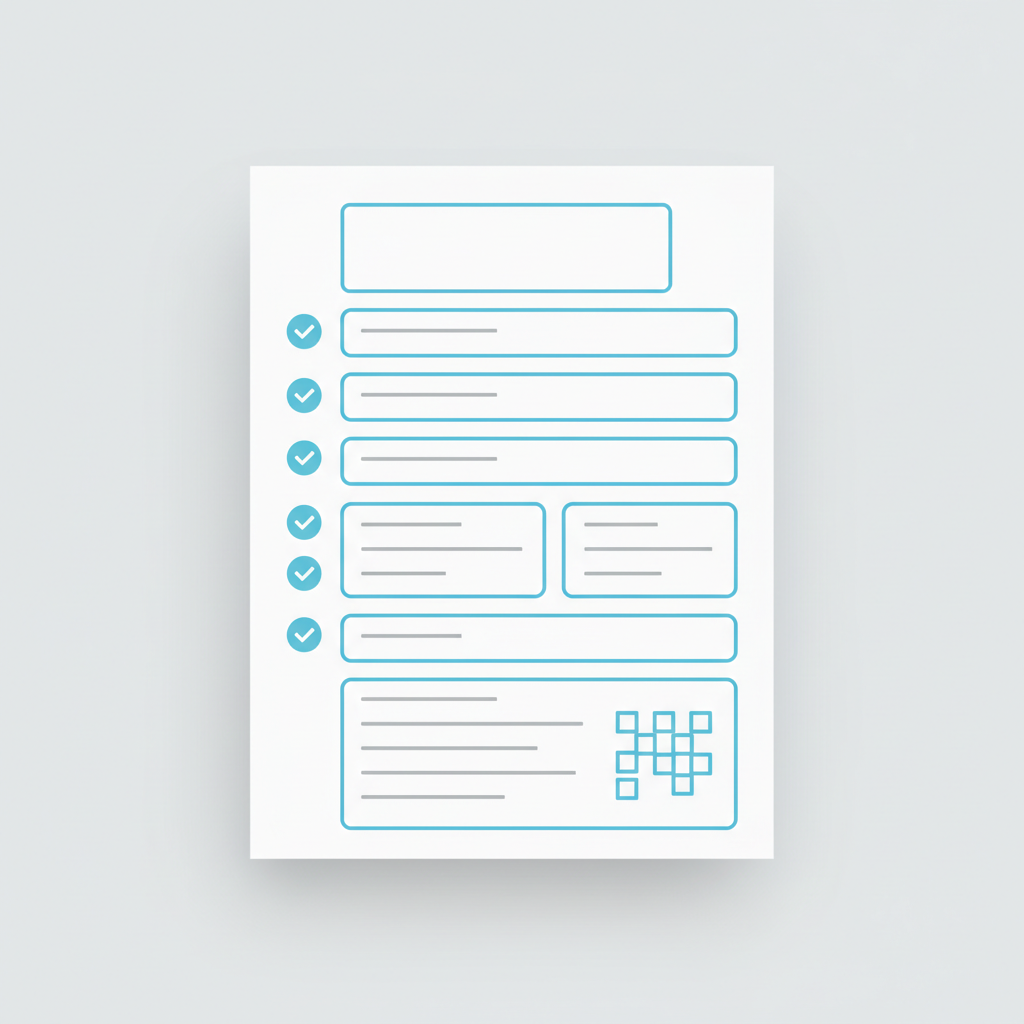
Free Receipt Template PDF (Editable + Printable)
A professional receipt is one of the most important documents your business issues. Yet many small business owners and freelancers struggle to create receipts that look polished and include all necessary information.
This guide covers everything you need to know about receipt templates—why they matter, what they should include, and how to create professional receipt PDFs quickly and easily.
What Is a Receipt Template?
A receipt template is a pre-formatted document that contains all the standard elements of a professional receipt. Instead of starting from scratch each time, you simply fill in the relevant details (customer name, items purchased, total amount, etc.) and the template does the rest.
Receipt templates serve several important purposes:
- Consistency — Every receipt your business issues looks professional and branded
- Time savings — No need to recreate the document structure each time
- Compliance — Ensures you include all legally required information
- Organization — Makes record-keeping and accounting easier
- Professionalism — Branded receipts build customer trust and confidence
When Should You Use a Receipt Template?
Receipt templates are essential for virtually any business that handles transactions. Here are common scenarios:
Freelancers
When you complete a project or deliver a service, a receipt template confirms payment was received. It looks more professional than a casual email and provides clear documentation.
Restaurants & Cafes
Digital receipt templates work great for orders placed online or via mobile. They can be sent via email or printed at point-of-sale.
Online Stores
After a customer completes checkout, an automated receipt confirms the purchase, payment method, and order details.
Contractors & Service Providers
For on-site work or services, a professional receipt template issued on-site or emailed afterward builds confidence and maintains records.
Consultants & Coaches
When billing clients for hourly sessions, retainers, or completed projects, a receipt template documents the transaction professionally.
Retail Shops & Boutiques
Whether printed or digital, receipt templates ensure consistent branding and include all transaction details.
What Should a Receipt Include?
A complete, professional receipt contains the following elements:
Essential Information
Sender Details
- Business name
- Contact email and phone
- Business address
- Tax ID or registration number
- Logo (optional but recommended)
Recipient Information
- Customer/buyer name
- Customer email (optional)
- Delivery address (if applicable)
Transaction Details
- Receipt number (unique identifier)
- Date of transaction
- Time (optional)
- Payment method (Cash, Card, Bank Transfer, PayPal, etc.)
- Currency
Itemized Details
- Description of products/services
- Quantity and unit price
- Line totals
- Subtotal
- Tax amount (if applicable)
- Any discounts applied
- Final total amount paid
Additional Elements
- Custom notes or terms
- Footer message (thank you, payment terms for future work)
- Digital signature (optional)
Editable Receipt Template Example
Here's what a modern, professional receipt template looks like:
receipt═══════════════════════════════════════════════════════════
                    YOUR BUSINESS NAME
                  Professional Services
═══════════════════════════════════════════════════════════

RECEIPT #RCP-2026-05-001
Date: May 13, 2026
Time: 2:30 PM

FROM:
Your Business Name
email@yourbusiness.com
+1 (555) 123-4567
123 Business Avenue, City, ST 12345
Tax ID: XX-XXXXXXX

TO:
[Customer Name]
[Customer Email]

───────────────────────────────────────────────────────────

DESCRIPTION             QTY    PRICE        TOTAL
Service or Product      1      $1,000       $1,000
Additional Item         2      $250         $500

Subtotal:                                   $1,500
Tax (10%):                                  $150
───────────────────────────────────────────────────────────
TOTAL PAID:                                 $1,650
───────────────────────────────────────────────────────────

Payment Method: Bank Transfer
Status: ✓ CONFIRMED

Thank you for your business!
For questions: email@yourbusiness.com
This format includes all essential information in a clean, easy-to-read layout.
PDF vs Digital Receipt Generators
There are two main approaches to handling receipts:
Static PDF Templates
Pros:
- Easy to download and customize
- Works offline
- Can be printed immediately
- No subscription needed
Cons:
- Must manually edit each receipt
- Easy to make calculation errors
- No automatic record-keeping
- Less professional if hand-edited
Online Receipt Generators
Pros:
- Automatic calculations (no math errors)
- Cloud-based storage and organization
- Mobile-friendly access
- Professional formatting guaranteed
- Automatic numbering
- Batch export capabilities
Cons:
- Requires internet connection
- May require subscription for advanced features
Best Practice: Use an online generator for consistent professionalism, but keep static templates as backup options.
How to Create a Receipt PDF Online
Modern receipt generators have simplified the process. Here's how it typically works:
Step 1: Enter Your Details
Fill in your business information (name, email, address, tax ID) once. The system remembers it for future receipts.
Step 2: Customize Your Design
Choose a template style, add your logo, adjust colors to match your branding. Set default payment methods and categories for quick selection.
Step 3: Add Transaction Details
Input the customer name, date, items/services provided, quantities, and prices. The system automatically calculates totals and taxes.
Step 4: Review and Export
Preview the receipt to ensure accuracy. Download as PDF, send via email, share by WhatsApp, or print directly.
Pro Tip: Save frequently-used customer and item templates to cut creation time to under 30 seconds per receipt.
Frequently Asked Questions
Can I download a free receipt template PDF?
Yes. Many free receipt templates are available online in PDF format. However, static PDFs require manual editing for each receipt, which increases the risk of errors and looks less professional than auto-generated receipts.
Is a receipt template editable?
It depends on the format. PDF templates can be edited using PDF editors, but this requires extra software and is error-prone. Online receipt generators provide editable forms with automatic calculations—much more reliable.
Can I create receipts from my phone?
With modern online generators like Receep, absolutely. The interface is fully mobile-responsive, so you can create professional receipts directly from your smartphone.
Are PDF receipts professional?
Digital receipts—whether PDF or generated online—are completely professional and legally recognized. The key is that they include all required information and are clearly formatted.
Create Professional Receipt PDFs Online
Whether you choose a static PDF template or a dynamic online generator, the important thing is issuing professional receipts that reflect your business credibility.
For the fastest, most reliable method with automatic calculations and professional formatting, online receipt generators save time and eliminate errors.
Ready to create your first professional receipt?
Related Resources
Ready to create professional documents?
Join 50,000+ businesses using Receep to send receipts, invoices and proof of payment in seconds.