
Why People Search for Receipt Templates in Word
Microsoft Word is one of the most familiar tools on the planet. It's already installed on most computers, you know how to use it, and it feels like the obvious place to start when you need to create a receipt for the first time.
And for one-off transactions — maybe a personal sale, a quick cash payment, or a single client — a Word template genuinely works.
But as soon as receipts become a regular part of your business, Word's limitations start to show. This guide walks you through everything: what a Word receipt template should include, where to find good ones, how to use them, and when the smarter move is to use a purpose-built tool instead.
What a Receipt Template in Word Must Include
Regardless of how you create your receipt, every valid receipt needs these fields:
| Field | Required? | Notes | |---|---|---| | Your business name & contact | ✅ Yes | Name, email, phone minimum | | Client name | ✅ Yes | Company name if B2B | | Receipt number | ✅ Yes | Sequential for auditing | | Date of payment | ✅ Yes | When money was received | | Description | ✅ Yes | What was paid for | | Amount paid | ✅ Yes | Include currency | | Tax breakdown | Depends | Required in many countries | | Payment method | ✅ Yes | Cash, card, transfer, etc. | | Signature line | Recommended | Adds authenticity |
How to Use a Word Receipt Template
Step 1 — Download a template
Choose a clean, minimal template. Avoid templates with too much decoration — professional receipts should be clear and functional.
Step 2 — Replace placeholder text
Open the .docx file and replace all fields (usually marked in brackets like
[Business Name][Amount]Step 3 — Set up auto-numbering logic (manually)
This is where it gets tedious: Word has no built-in receipt numbering. You have to manually track your last number and update it each time.
Step 4 — Save and export as PDF
Go to File → Export → PDF. Never send receipts as editable .docx files — clients can modify them.
Step 5 — Send to client
Attach the PDF to an email or share via messaging. There's no built-in send, tracking, or confirmation.
The Problems with Word Receipt Templates
Here's where most small businesses eventually run into trouble:
- No automatic numbering — You'll track receipt numbers in a spreadsheet (or lose track entirely)
- Easy to edit — Unless you export as PDF, the document is modifiable by anyone
- No client confirmation — You send the PDF and hope the client opens it
- Version control nightmares — Dozens of files named receipt
receipt_final_v2_REAL.docx - No search or filtering — Finding receipt #47 from 8 months ago means digging through folders
- Not mobile-friendly — Creating receipts on your phone is painful
- No branding consistency — Every receipt ends up slightly different
- No integration with accounting — You'll re-enter data manually
Word vs. Purpose-Built Receipt Tools
| Feature | Word Template | Receep | |---|---|---| | Setup time | 15–30 min | Under 60 seconds | | Auto-numbering | ❌ Manual | ✅ Automatic | | PDF export | ✅ Manual | ✅ One click | | Send via email/WhatsApp | ❌ Manual | ✅ Built-in | | Client confirmation | ❌ No | ✅ Digital confirmation | | Mobile-friendly | ❌ Poor | ✅ Fully responsive | | Search & history | ❌ Folder-based | ✅ Dashboard | | Logo & branding | ✅ Manual | ✅ Automatic | | Templates | ✅ One | ✅ 10+ styles | | Free tier | ✅ Yes | ✅ Yes |
When Word Templates Are Acceptable
Be honest: Word templates make sense in these situations:
- You issue fewer than 5 receipts per month and don't anticipate growth
- It's a one-time transaction (selling a personal item, a one-off favor)
- You have no internet access and need something offline
- You already have an established Word workflow and it's working fine
For anything beyond this, the manual overhead isn't worth it.
What to Look for in a Good Receipt Template (Word or Otherwise)
Design principles:
- Clean, simple layout with clear visual hierarchy
- Your logo prominently placed
- Enough whitespace to be readable
- Consistent fonts (1–2 maximum)
- Professional color scheme (not neon or excessive)
Functional requirements:
- All 9 required fields present (see table above)
- Tax section that can be shown/hidden
- Separate line for notes or payment reference
- Footer with legal notices if needed
Format considerations:
- A4 or Letter size for printing
- Portable as PDF
- Clean enough to look professional on any device
The Better Alternative: Try Receep Free
If you issue receipts more than a few times a month, Receep's Receipt Generator replaces the entire Word workflow:
- Under 60 seconds to create a professional, numbered receipt
- 10+ premium templates — from minimal to branded
- PDF download with one click
- Send via WhatsApp or email directly from the app
- Client confirmation — know when they've opened and confirmed it
- Permanent history — every receipt searchable, forever
- Free to start — no credit card required
Stop managing receipt files in folders. Try it now →
Frequently Asked Questions
Is a Word receipt template legally valid?
Yes, as long as it contains all required fields (issuer details, date, amount, description, payment method). The format doesn't matter legally — the content does.
Do I need to number my Word receipts?
Absolutely. Sequential receipt numbers are essential for accounting, tax filing, and dispute resolution. Even if you use Word, maintain a numbering log.
Can I add my logo to a Word receipt template?
Yes — Insert → Pictures in Word. Position it at the top of the template and resize as needed.
Should I send receipts as .docx or PDF?
Always PDF. Word files can be accidentally (or intentionally) edited by the recipient. A PDF is a locked, professional document.
What's the best free alternative to Word for receipts?
Receep is free for up to 5 receipts per month, requires no installation, works on any device, and produces more professional results than Word.
Can I use Google Docs instead of Word?
Yes — Google Docs templates work similarly to Word. The same limitations apply (manual numbering, no client confirmation, no integrated sending). For occasional use, it's fine.
→ Use the Receipt Generator (free) | → View Invoice Templates | → Try Receep now
Ready to create professional documents?
Join 50,000+ businesses using Receep to send receipts, invoices and proof of payment in seconds.
Related articles
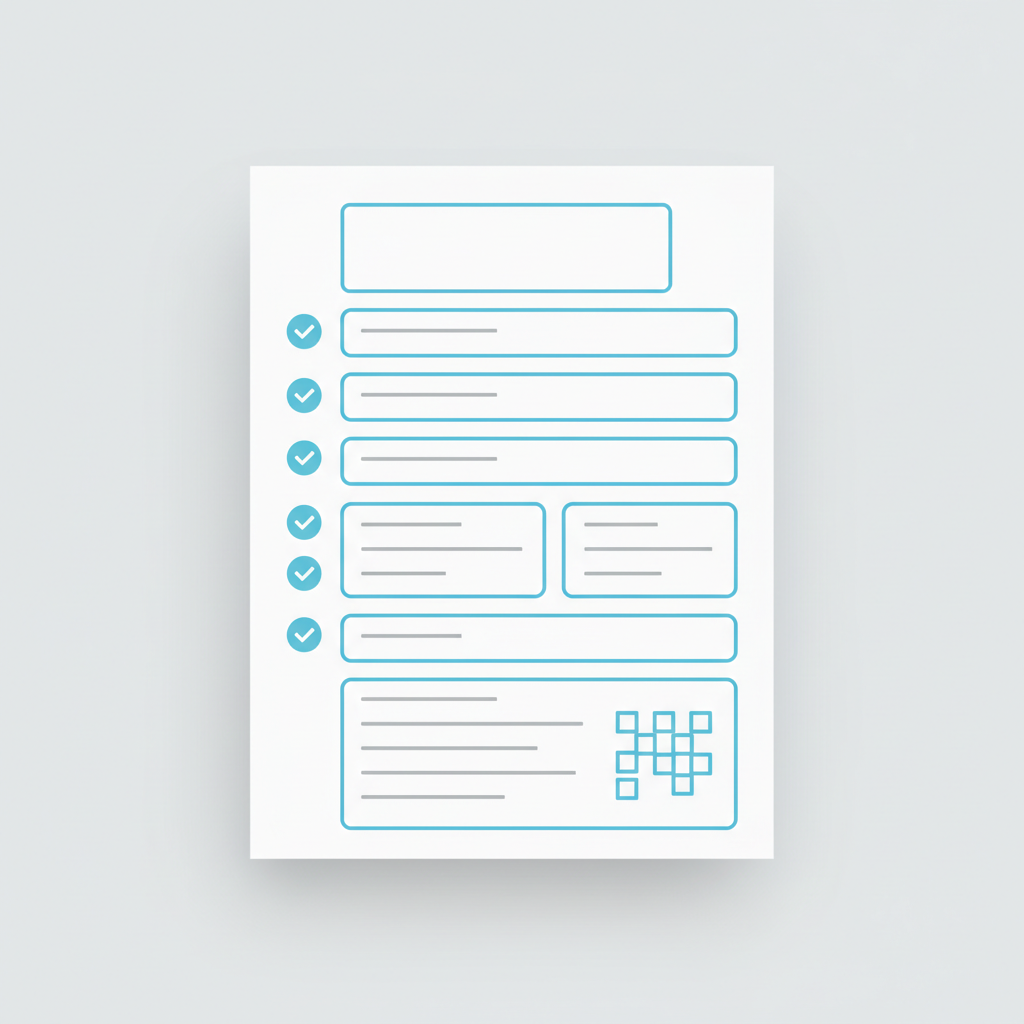
Free Receipt Template PDF (Editable + Printable)
Need a professional receipt template? Download our free, editable PDF template and start creating receipts in minutes.

Estimate vs Quote: What's the Difference?
An estimate is an approximate cost calculation; a quote is a fixed-price offer. Learn the legal, commercial, and practical differences — and when to use each one.
What Is Proof of Payment? Definition, Types & Templates
Proof of payment is more than just a receipt — it's the documentation that a financial transaction was completed. Here's everything you need to know.